
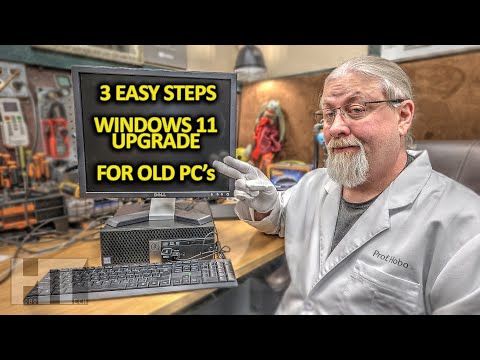
How to easily upgrade any OLD Windows 10 computer to Windows 11 even with hardware error, “This PC doesn’t currently meet the minimum system requirements to run Windows 11”
Windows 11 DVD ISO Download:
RUFUS Installer:
$125 Amazon Gaming PC Review (the 2015 PC getting upgraded):
LEARN ELECTRICITY 101 for BEGINNERS at HOBO UNIVERSITY!
PART ONE: VOLTS
PART TWO: AMPS
PART THREE: WATTS
DISCOUNT CODES on SOLAR PANELS – GENERATORS – BATTERIES – REFRIGERATORS
SUBSCRIBE To BLOG (e-mail notifications)
QUESTIONS? NEED HELP? Join our DIY GROUP!
SNEAK PEEK of UPCOMING products
HAS THIS HELPED YOU?
Buy me a coffee and be auto subscribed to e-mail notifications!
—
HOBOTECH is viewer supported. When you buy through these links we may earn an affiliate commission. As an Amazon Associate I earn from qualifying purchases.
—
SUPPORT THE CHANNEL
To shop directly on Amazon use this link:
DONATIONS
GET SOCIAL
Facebook Group:
Instagram:
Hobo HQ:
BUSINESS INQUIRIES / E-MAIL
*NOT a free help line! BUSINESSES ONLY!*
============================
#windows11 #windowsupgrade #howto #rufus #windows11update #windows11upgrade #windows #windows10towindows11 #windows11install #windows10 #windows10update #windows10upgrade #oldpc #oldcomputer
============================
UNTIL NEXT TIME …
(c)2025 hobotech.tv

Windows 11 DVD ISO Download: https://www.microsoft.com/en-us/software-download/windows11
RUFUS Installer: https://github.com/pbatard/rufus/releases/
$125 Amazon Gaming PC Review (the 2015 PC getting upgraded): https://youtu.be/TfV1tA3WEc0
i have windows 10 on it, do i need a new license afther this instal?
Nice Thank You !
my rufus 14.15.2396 can’t selec windows11_client_x64_en-us_26300_9…
What if I don’t have a USB?